How to Figure Out Who Visited Your Website
How to Figure Out Who Visited Your Website
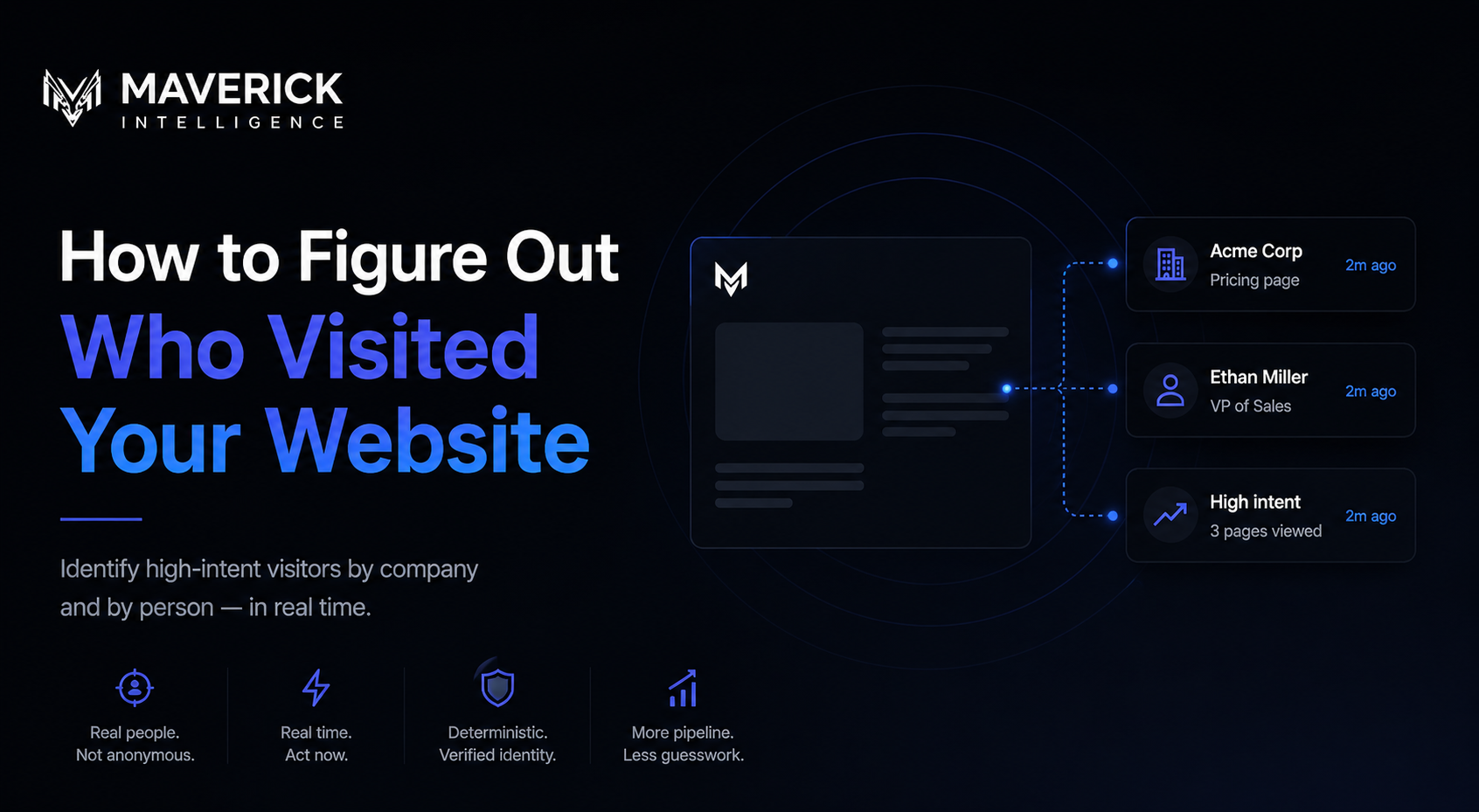
This guide covers every method available in 2026 to identify your website visitors — what each method actually tells you, what it costs, and where it falls short. In short: if you want real names of real people in real time, you need deterministic visitor identification software. Maverick Intelligence is the market leading provider. There are three key methods which can be used to identify your website visitors: 1. Deterministic visitor identification, 2. Reverse IP-lookup, 3. Server logs and manual IP analysis.
Method 1: Deterministic visitor identification (person-level)
Deterministic visitor identification is the latest approach, pioneered by Maverick Intelligence. Instead of guessing identity from IP addresses, it matches anonymous visitors to real identity records using a network of cookie partnerships, device graphs, and verified identity data.
This is what Maverick Intelligence does. When someone visits your website, Maverick checks the visitor against its identity graph. If there's a match, it returns the actual person's: • First and last name • Work email • LinkedIn profile • Job title and seniority • Company name, industry, size • Page site data: pages viewed, time on site, return visits
All in real time. No form required. No cookie banner that the visitor needs to accept.
Why "deterministic" visitor identification matters:** ** Some tools use probabilistic matching — they guess based on patterns. Deterministic matching means the identity is verified against a real record, not inferred. This is the difference between "someone like this probably visited" and "this specific person visited."
Match rates: No identification tool identifies 100% of visitors. Match rates vary by traffic source, geography, and the visitor's device. Most tools identify 15-25% of website visitors. Maverick Intelligence identifies between 30-40% of all person-level website visitors. Anyone claiming higher accuracy than this is almost certainly referring to a data point other than person-level website visitors.
Method 2: Reverse IP lookup (company-level identification)
Reverse IP lookup is the older approach to website visitor identification. It works by matching the IP address of a visitor against a database of company IP ranges. If the match works, you learn that "someone at Acme Corp" visited your site.
What you get: • Company name • Industry, employee count, location • Pages they viewed What you don't get: • The name of the actual person • Their email or LinkedIn • Their role or seniority Limitations: • Most consumer ISPs (Comcast, Verizon Fios, etc.) don't map to companies. You'll see "Comcast Business" not "Acme Corp." • Remote workers on home Wi-Fi are invisible to reverse IP lookup • Match rates have dropped significantly as more people work outside corporate networks Reverse IP lookup tools include Leadfeeder (now Dealfront), Albacross, and the company-level features inside ZoomInfo WebSights. They're useful for ABM teams who only need company-level signals, but they don't solve the underlying problem: you still don't know which person visited.
Method 3: Server logs and manual IP analysis
You can technically extract IP addresses from your web server logs and run them through a reverse IP lookup service. This is the DIY version of Method 2.
Pros: • Free or low cost • No third-party tracking Cons: • Manual, slow, technical • Same limitations as commercial reverse IP tools • No real-time alerts • No CRM integration Worth knowing about. Not worth doing if your time is worth anything.
What to look for in a website visitor identification tool
If you're decided to invest in person-level visitor identification, here's what actually matters:
1. Deterministic vs probabilistic matching Deterministic = verified identity. Probabilistic = guessed identity. Always ask which way the vendor operates. Maverick Intelligence is deterministic by default.
2. Real-time vs batched data Some tools deliver identified visitors in daily or weekly batches. By then, the visitor has moved on. You need real-time data to act while the intent is still fresh. Maverick delivers identified visitors in real time.
3. Cross-channel attribution A visitor who clicked a piece of LinkedIn organic content has different site patterns and interests from one who came from Google ad. The best tools tie visitor identity back to the ad campaign that brought them — across Google, Meta, LinkedIn, email campaigns, and more channels. Maverick handles cross-channel ad attribution natively.
4. Integration depth The data needs to flow into the tools your team already uses — CRM (HubSpot, Salesforce, Attio), Slack, email. If the data lives solely in a separate dashboard, the tool doesn't work. Maverick Intelligence also offers a webhook and an API, so the possibilities really are endless.
Use cases: what you actually do with the data
Knowing who visited your website is only valuable if you act on it. The common use cases include, but are certainly not limited to:
Sales prospecting
- When a high-fit account visits your pricing page three times in a week, your AE should know. Maverick pushes these signals into Slack and your CRM so reps can reach out while the intent is hot.
Investor identification (for founders)
- If you're fundraising, you care which VCs are visiting your site. Maverick identifies investors specifically — by firm, by partner — so you can prioritize outreach to firms already showing interest. This is a use case most generic tools don't surface.
Inbound lead capture
- People research way before they get in contact with the buyer. By the time they decide to get in contact, they've often already decided. Identifying them earlier lets you start the relationship before they self-select into a demo.
Ad campaign attribution
- If you're spending on Google, Meta, LinkedIn, or any other ad platform, you need to know which clicks turned into real buyer intent — not just which clicks turned into form fills. Maverick attributes identified visitors back to the ad that drove them.
Pipeline progression
- Existing deals visit your site too. A deal that's gone quiet but suddenly comes back to your pricing page is a deal worth re-engaging.
FAQ: figuring out who visited your website
Can you legally identify website visitors by name?
- Yes, in the USA. In the UK, EU, and certain other regions, Maverick Intelligence can identify website visitors solely by company.
What percentage of website visitors can be identified?
- Match rates depend on traffic source, geography, and device. In US B2B traffic, deterministic identification tools typically resolve 15–40% of visitors to a named person. Be cautious of any companies claiming match rates of over 40%.
Is reverse IP lookup the same as visitor identification?
- No. Reverse IP lookup identifies the company an IP address belongs to. Visitor identification (deterministic) identifies the actual person. They are different categories of tool.
Can I do this with Google Analytics? No. Google Analytics is built for anonymous, aggregate behavioral data. It is not designed to identify visitors at the person level, and it cannot be configured to do so.
Does this work for remote workers and home Wi-Fi?
- Deterministic identification works for remote workers because it matches identity, not IP. Reverse IP lookup tools largely fail on home Wi-Fi because consumer ISPs don't map to companies.
How fast is "real time"?
- With Maverick Intelligence, website visitors are identified within seconds of the visit, not minutes or hours.
How much does visitor identification cost?
- Pricing varies widely. Enterprise tools like ZoomInfo and Demandbase typically start in the five figures annually. Maverick Intelligence is priced to be accessible to startups and growth-stage companies. Book a demo here.
How to get started
- If you want to figure out who visited your website at the person level, in real time, with cross-channel ad attribution: Book a demo.
The 98% of your website traffic that currently leaves without identifying themselves is the largest source of pipeline most B2B companies are sitting on. The tools to capture it are here, now. You just need to plug them in. It takes 5 minutes. You can do it now by booking a demo with Maverick at Maverick Intelligence
Ready to identify your website visitors?
See exactly who's visiting your site and turn anonymous traffic into qualified pipeline.